Aller directement au contenu
  • Photon (installation)

    Announcements
    6
    0 Votes
    6 Messages
    128 Vues
    Tuxedo17T
    API : https://photon.komoot.io/
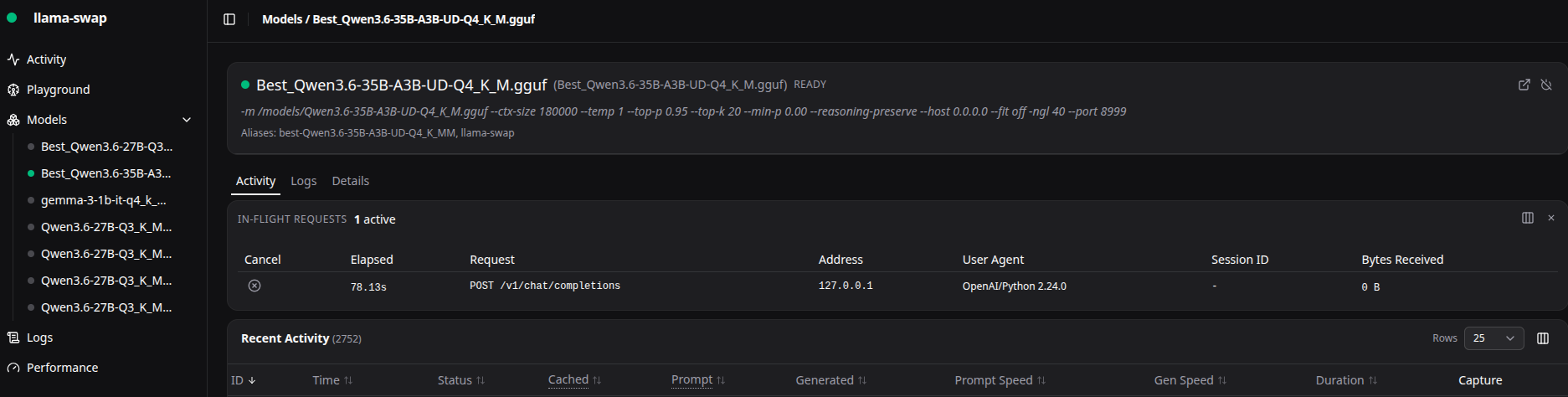
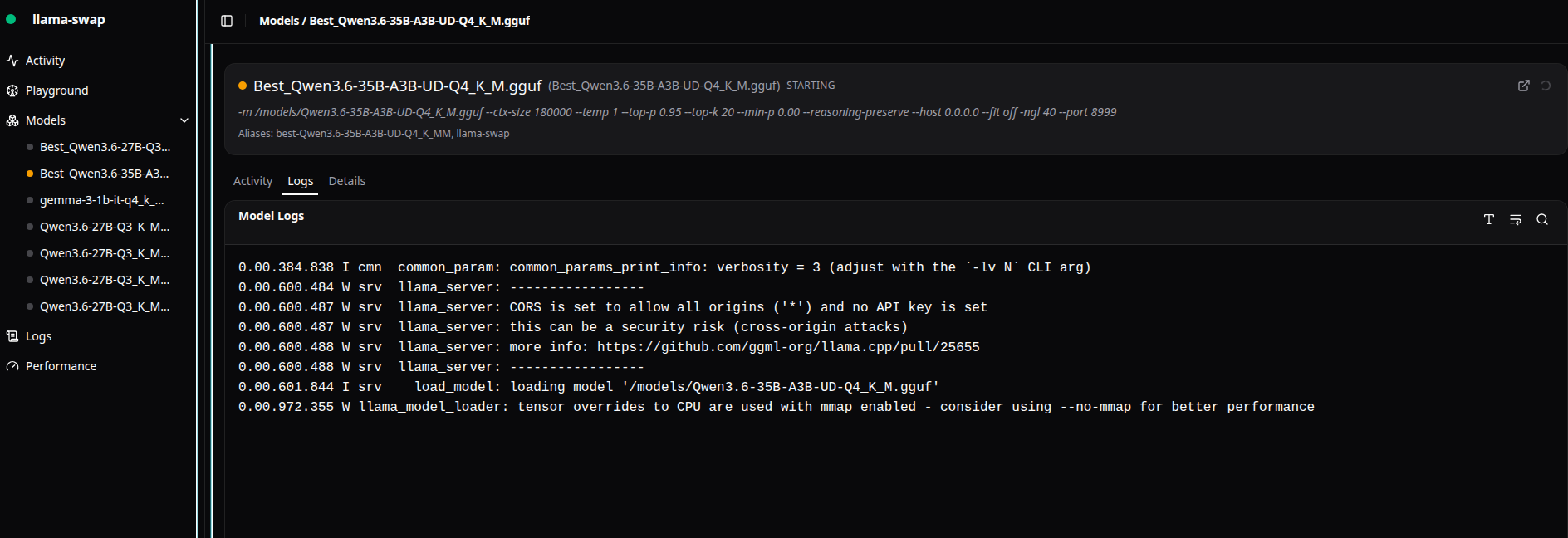
  • Benchmark llama.cpp sur Tuxedo 17

    Linux llama.cpp
    18
    0 Votes
    18 Messages
    203 Vues
    Tuxedo17T
    Pendant l’utilisation : # nvidia-smi Tue Jun 30 12:35:32 2026 +-----------------------------------------------------------------------------------------+ | NVIDIA-SMI 595.71.05 Driver Version: 595.71.05 CUDA Version: 13.2 | +-----------------------------------------+------------------------+----------------------+ | GPU Name Persistence-M | Bus-Id Disp.A | Volatile Uncorr. ECC | | Fan Temp Perf Pwr:Usage/Cap | Memory-Usage | GPU-Util Compute M. | | | | MIG M. | |=========================================+========================+======================| | 0 NVIDIA GeForce RTX 3060 ... Off | 00000000:01:00.0 Off | N/A | | N/A 55C P0 28W / 115W | 4621MiB / 6144MiB | 0% Default | | | | N/A | +-----------------------------------------+------------------------+----------------------+ +-----------------------------------------------------------------------------------------+ | Processes: | | GPU GI CI PID Type Process name GPU Memory | | ID ID Usage | |=========================================================================================| | 0 N/A N/A 1820494 G /usr/lib/xorg/Xorg 4MiB | | 0 N/A N/A 1845119 C /usr/local/bin/llama-server 4598MiB | +-----------------------------------------------------------------------------------------+
  • llama.cpp avec Vulkan

    Linux llama.cpp ubuntu
    20
    0 Votes
    20 Messages
    225 Vues
    fariasF
    Petit test : 40.81 t/s
  • Healthchecks.io ( Installation )

    Announcements
    3
    0 Votes
    3 Messages
    57 Vues
    fariasF
    PROXMOX sur BIOT : [image: 3d833ddf-920d-489b-a99d-f016fc00696a.svg]
  • llama.cpp : exemple de fichier service

    Linux
    1
    0 Votes
    1 Messages
    31 Vues
    Personne n'a répondu
  • llama.cpp : Installation

    Linux llama.cpp ubuntu
    6
    0 Votes
    6 Messages
    103 Vues
    fariasF
    Mise à jours de Ollama : # curl -fsSL https://ollama.com/install.sh | sh >>> Cleaning up old version at /usr/local/lib/ollama >>> Installing ollama to /usr/local >>> Downloading ollama-linux-amd64.tar.zst ######################################################################## 100.0% >>> Adding ollama user to render group... >>> Adding ollama user to video group... >>> Adding current user to ollama group... >>> Creating ollama systemd service... >>> Enabling and starting ollama service... >>> NVIDIA GPU installed. Visiblement même problème : ... juin 19 10:51:37 ollama[2964]: time=2026-06-19T10:51:37.153Z level=INFO source=model_list_cache.go:111 msg="model list cache hydration complete" models=16 failures=0 elapsed=654.370427ms juin 19 10:51:42 ollama[2964]: time=2026-06-19T10:51:42.591Z level=WARN source=cuda_compat.go:38 msg="NVIDIA driver too old" device="Quadro M5000" compute=5.2 driver=535 required_driver="570 or newer" juin 19 10:51:42 ollama[2964]: time=2026-06-19T10:51:42.591Z level=WARN source=cuda_compat.go:38 msg="NVIDIA driver too old" device="Quadro M4000" compute=5.2 driver=535 required_driver="570 or newer" juin 19 10:51:43 ollama[2964]: time=2026-06-19T10:51:43.181Z level=INFO source=types.go:32 msg="inference compute" id=1 filter_id=1 library=Vulkan compute=0.0 name=Vulkan1 description="Quadro M4000" libd> juin 19 10:51:43 ollama[2964]: time=2026-06-19T10:51:43.181Z level=INFO source=types.go:32 msg="inference compute" id=0 filter_id=0 library=Vulkan compute=0.0 name=Vulkan0 description="Quadro M5000" libd> ...
  • llama.cpp : llama-bench : CPU ( no CUDA )

    Linux llama.cpp benchmark
    1
    0 Votes
    1 Messages
    39 Vues
    Personne n'a répondu
  • llama.cpp : llama-server : Erreur 404 file not found

    Linux llama.cpp
    3
    0 Votes
    3 Messages
    69 Vues
    Tuxedo17T
    Les logs avant le build : # export LD_LIBRARY_PATH=/usr/local/cuda/lib # export PATH=$PATH:/usr/local/cuda/bin # cmake .. -DGGML_CUDA=ON CMAKE_BUILD_TYPE=Release -- Warning: ccache not found - consider installing it for faster compilation or disable this warning with GGML_CCACHE=OFF -- CMAKE_SYSTEM_PROCESSOR: x86_64 -- GGML_SYSTEM_ARCH: x86 -- Including CPU backend -- x86 detected -- Adding CPU backend variant ggml-cpu: -march=native -- CUDA Toolkit found -- Using CMAKE_CUDA_ARCHITECTURES=75-virtual;80-virtual;86-real;89-real;90-virtual;120a-real;121a-real CMAKE_CUDA_ARCHITECTURES_NATIVE= -- CUDA host compiler is GNU 11.4.0 -- Including CUDA backend -- ggml version: 0.15.1 -- ggml commit: b4024af6c -- OpenSSL found: 3.0.2 -- Generating embedded license file for target: llama-app -- Configuring done -- Generating done -- Build files have been written to: /home/XXXX/GIT/llama.cpp/build
  • Informations générales

    Linux llama.cpp
    4
    1
    0 Votes
    4 Messages
    73 Vues
    Tuxedo17T
    Après la mise à jours des modèles : # ollama list NAME ID SIZE MODIFIED gpt-oss:20b 17052f91a42e 13 GB About a minute ago llama2:latest 78e26419b446 3.8 GB 18 minutes ago phi4:latest ac896e5b8b34 9.1 GB 18 minutes ago qwen2:latest dd314f039b9d 4.4 GB 18 minutes ago gemma2:latest ff02c3702f32 5.4 GB 18 minutes ago mistral:latest 6577803aa9a0 4.4 GB 18 minutes ago llama3.1:latest 46e0c10c039e 4.9 GB 22 minutes ago llava:latest 8dd30f6b0cb1 4.7 GB 22 minutes ago llava:13b 0d0eb4d7f485 8.0 GB 16 months ago llava:7b 8dd30f6b0cb1 4.7 GB 16 months ago llama3.1:8b 46e0c10c039e 4.9 GB 16 months ago mistral:7b f974a74358d6 4.1 GB 16 months ago gemma2:9b ff02c3702f32 5.4 GB 16 months ago qwen2:7b dd314f039b9d 4.4 GB 16 months ago phi4:14b ac896e5b8b34 9.1 GB 16 months ago
  • Attaque de type xmlrpc.php sur les 60 derniers jours.

    Scan Attack
    1
    0 Votes
    1 Messages
    23 Vues
    Personne n'a répondu
  • Attaque de type wp-login.php sur les 60 derniers jours.

    Scan Attack
    1
    0 Votes
    1 Messages
    21 Vues
    Personne n'a répondu
  • Souveraineté Numérique

    DSI
    1
    1
    1 Votes
    1 Messages
    30 Vues
    Personne n'a répondu
  • Configuration MailCow : PTR Record/HELO Check

    Linux
    9
    3
    0 Votes
    9 Messages
    101 Vues
    fariasF
    Je viens de demander la suppression … à suivre. [image: 1780836881023-4e28bb1c-97e9-4c8d-b7d1-577215138732-image.png]
  • MailCow (update)

    Announcements
    1
    1
    0 Votes
    1 Messages
    29 Vues
    Personne n'a répondu
  • Nextcloud External (Update)

    Announcements
    3
    0 Votes
    3 Messages
    69 Vues
    fariasF
    Modification de opcache /etc/php/8.2/cli/php.ini ; The amount of memory for interned strings in Mbytes. ;opcache.interned_strings_buffer=8 Après : ; The amount of memory for interned strings in Mbytes. opcache.interned_strings_buffer=16 Lancement de apache : # systemctl restart apache2
  • NEXCLOUD : Augmentation de la taille disque

    Proxmox
    1
    0 Votes
    1 Messages
    39 Vues
    Personne n'a répondu
  • Humhub (update)

    Announcements
    1
    1
    0 Votes
    1 Messages
    34 Vues
    Personne n'a répondu
  • PROXMOX : Firewall

    Proxmox
    4
    0 Votes
    4 Messages
    79 Vues
    fariasF
    Nouvelle optimisation : # du -sh /etc/pve/firewall/cluster.fw 103K /etc/pve/firewall/cluster.fw # wc -l /etc/pve/firewall/cluster.fw 23780 /etc/pve/firewall/cluster.fw
  • FitTrackee (update)

    Announcements fittrackee update
    13
    0 Votes
    13 Messages
    301 Vues
    fariasF
    Pour fixer le problème j’ai fait : $ pip install --upgrade Pillow Requirement already satisfied: Pillow in ./fittrackee_venv/lib/python3.11/site-packages (11.3.0) Collecting Pillow Downloading pillow-12.2.0-cp311-cp311-manylinux_2_27_x86_64.manylinux_2_28_x86_64.whl.metadata (8.8 kB) Downloading pillow-12.2.0-cp311-cp311-manylinux_2_27_x86_64.manylinux_2_28_x86_64.whl (7.1 MB) ━━━━━━━━━━━━━━━━━━━━━━━━━━━━━━━━━━━━━━━━ 7.1/7.1 MB 11.7 MB/s 0:00:00 Installing collected packages: Pillow Attempting uninstall: Pillow Found existing installation: pillow 11.3.0 Uninstalling pillow-11.3.0: Successfully uninstalled pillow-11.3.0
  • 0 Votes
    5 Messages
    78 Vues
    fariasF
    J’ai du mal à voir : # /usr/sbin/parted -l Model: ATA QEMU HARDDISK (scsi) Disk /dev/sda: 64,4GB Sector size (logical/physical): 512B/512B Partition Table: loop Disk Flags: Number Start End Size File system Flags 1 0,00B 64,4GB 64,4GB ext4 Model: ATA QEMU HARDDISK (scsi) Disk /dev/sdb: 85,9GB Sector size (logical/physical): 512B/512B Partition Table: msdos Disk Flags: Number Start End Size Type File system Flags 1 1049kB 63,4GB 63,4GB primary ext4 boot 2 63,4GB 64,4GB 1022MB extended 5 63,4GB 64,4GB 1022MB logical linux-swap(v1) swap