Installation du Raspberry
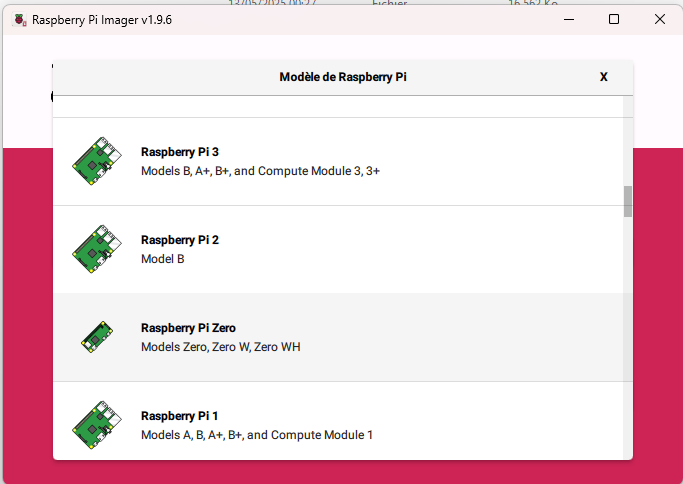
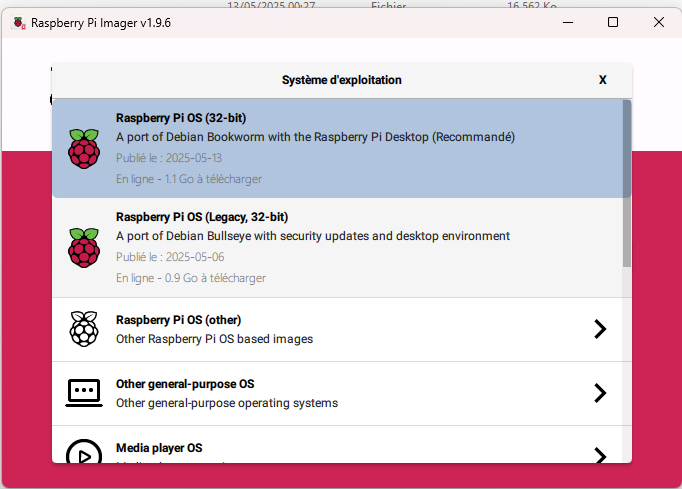
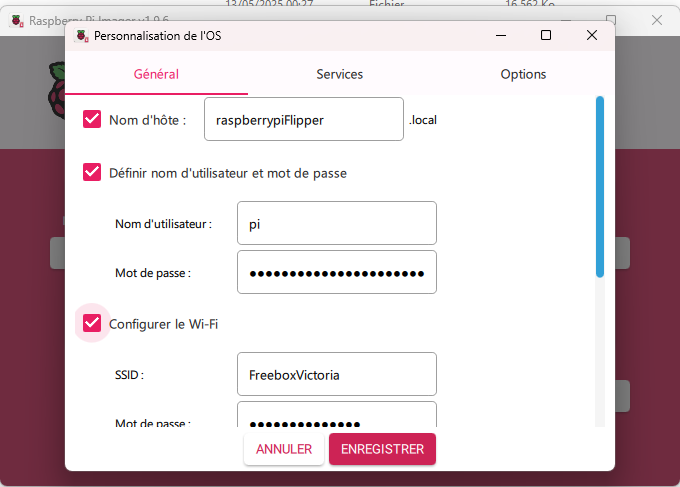
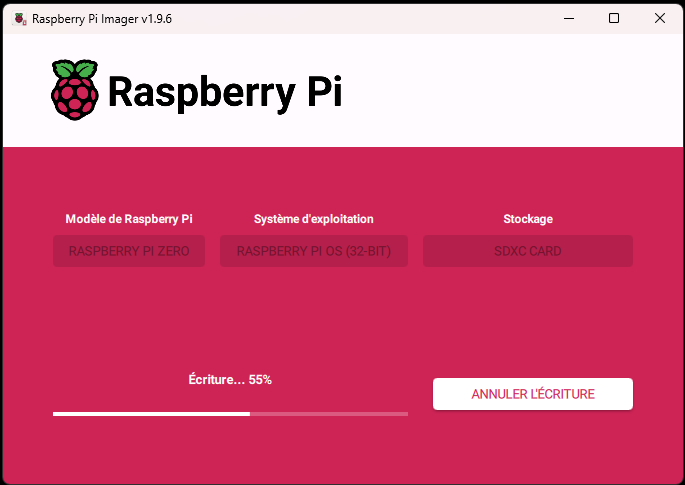
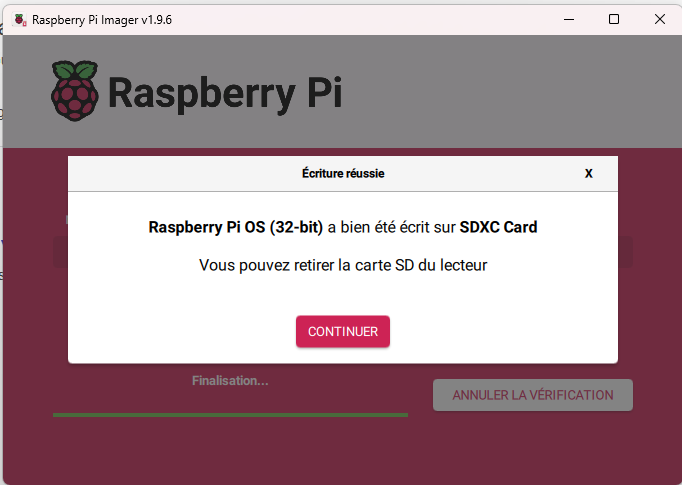
Au démarrage, l’écran est blanc, mais c’est “normal”, les drivers ne sont pas encore installés.
connection avec putty ok
login as: pi
pi@192.168.1.15's password:
Linux raspberrypiFlipper 6.12.25+rpt-rpi-v6 #1 Raspbian 1:6.12.25-1+rpt1 (2025-0                                                                                                                                                             4-30) armv6l

The programs included with the Debian GNU/Linux system are free software;
the exact distribution terms for each program are described in the
individual files in /usr/share/doc/*/copyright.

Debian GNU/Linux comes with ABSOLUTELY NO WARRANTY, to the extent
permitted by applicable law.
Last login: Tue May 13 02:24:37 2025
pi@raspberrypiFlipper:~ $
pi@raspberrypiFlipper:~ $
pi@raspberrypiFlipper:~ $
qd je fais sudo apt update
pi@raspberrypiFlipper:~ $ sudo apt update
Hit:1 http://archive.raspberrypi.com/debian bookworm InRelease
Hit:2 http://raspbian.raspberrypi.com/raspbian bookworm InRelease
Reading package lists... Error!
W: http://raspbian.raspberrypi.com/raspbian/dists/bookworm/InRelease: Key is stored in legacy trusted.gpg keyring (/etc/apt/trusted.gpg), see the DEPRECATION section in apt-key(8) for details.
E: Unable to parse package file /var/lib/apt/lists/raspbian.raspberrypi.com_raspbian_dists_bookworm_main_binary-armhf_Packages (1)
E: Unable to parse package file /var/lib/apt/lists/archive.raspberrypi.com_debian_dists_bookworm_main_binary-arm64_Packages (1)
W: You may want to run apt-get update to correct these problems
E: The package cache file is corrupted
pi@raspberrypiFlipper:~ $
il y a des erreurs
du coup j’ai fait un clean du cache
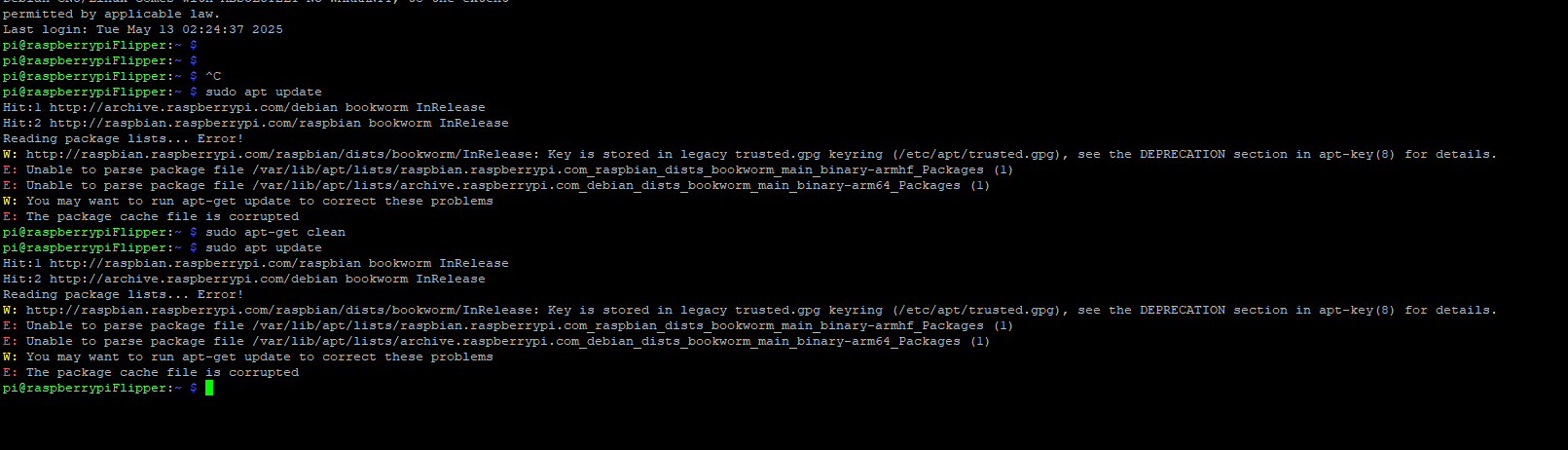
Mais pas mieux
Du coup, j’essaie ça:

là ça se passe mieux
du coup, je lance un upgrade
et là…
C’est la cata
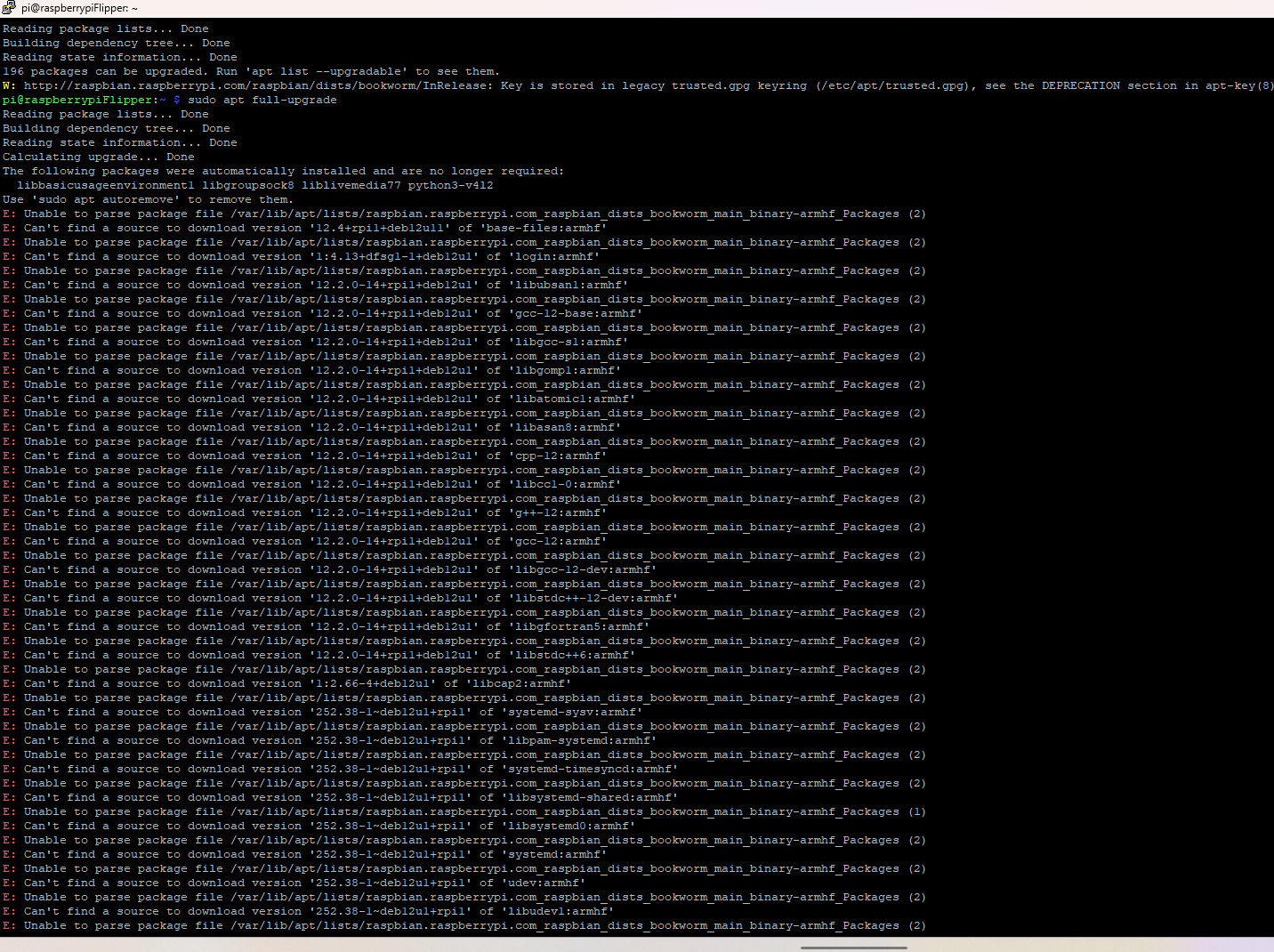
J’ai essayé ça aussi

et ensuite je pers la connexion…
C’est grave docteur ? ;)